Chapter 3.2
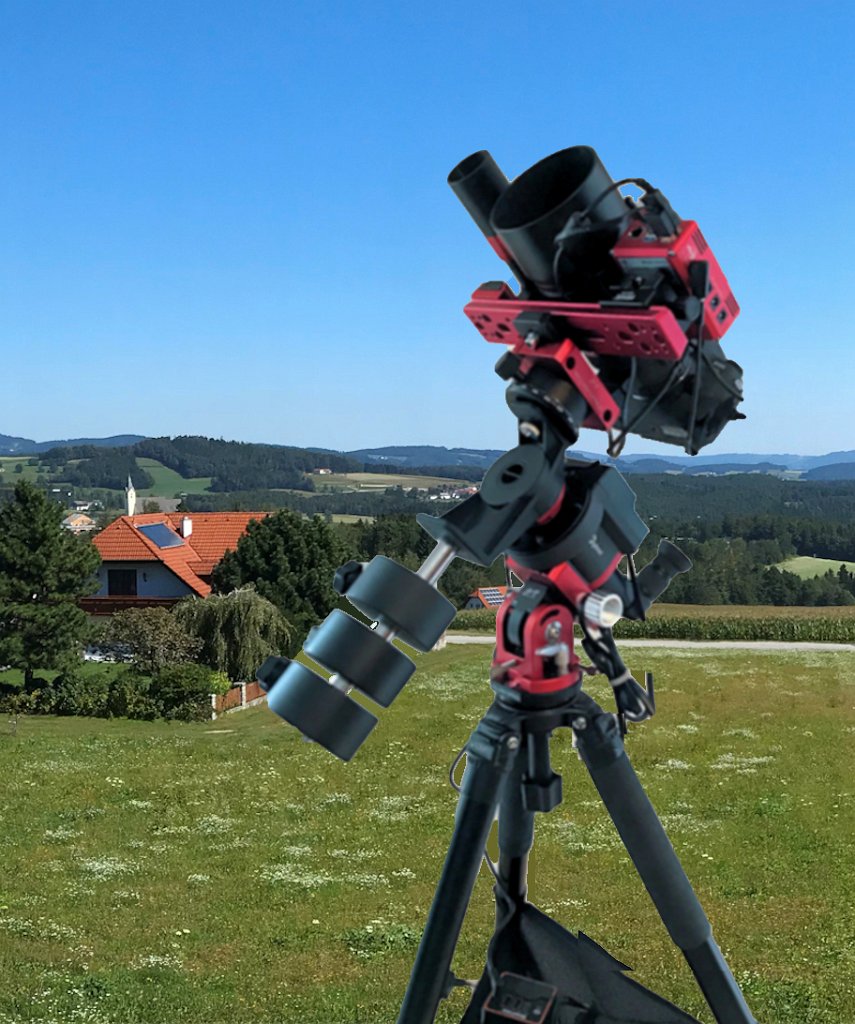
Star Trackers
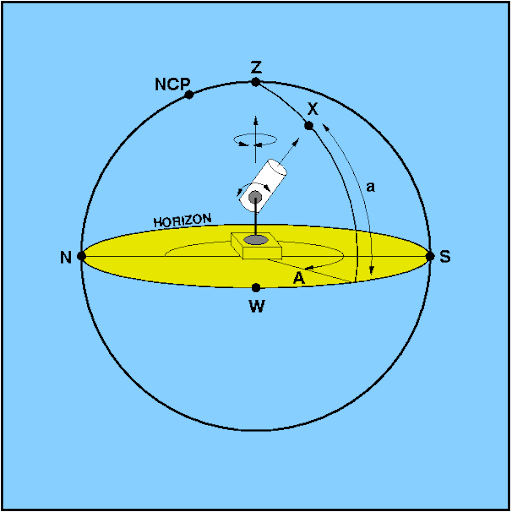
The horizontal coordinate system
The horizontal coordinate system is a celestial coordinate system that uses the observer's local horizon as the
fundamental plane to define two angles: altitude and azimuth. Therefore, the horizontal coordinate system is
sometimes called the az/el system, the alt/az system, or the alt-azimuth system, among others. In an altazimuth
mount of a telescope, the instrument's two axes follow altitude and azimuth.
|
|
Mounts
Vixen POLARIE Star Tracker
SkyWatcher Star Adventurer
iOptron SkyGuider Pro
Simple star trackers are small alt-azimuth mounts with just a motor in a housing which rotate with a small angular
speed of 15° per hour, the same as Earth. You know Earth rotates 360° every 24 hours which is 15° per hour.
Consequently the star tracker and the Earth rotate in alignment. Once the star tracker is aligned with the celestial
pole, it follows the sky rotation. If the camera is then pointed to any direction it will still follow the sky
rotation which allows you to take exposures of selected objects for several minutes.
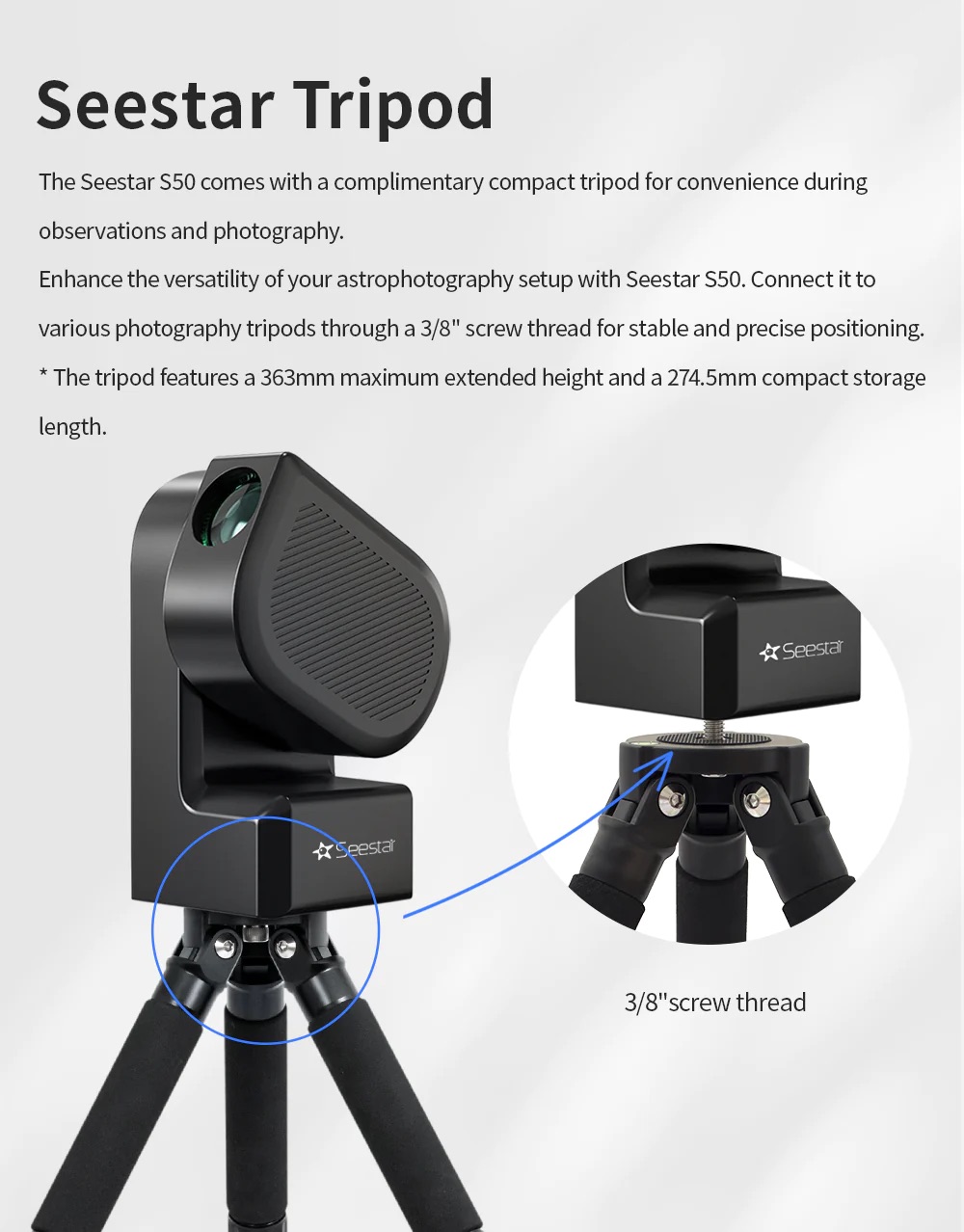
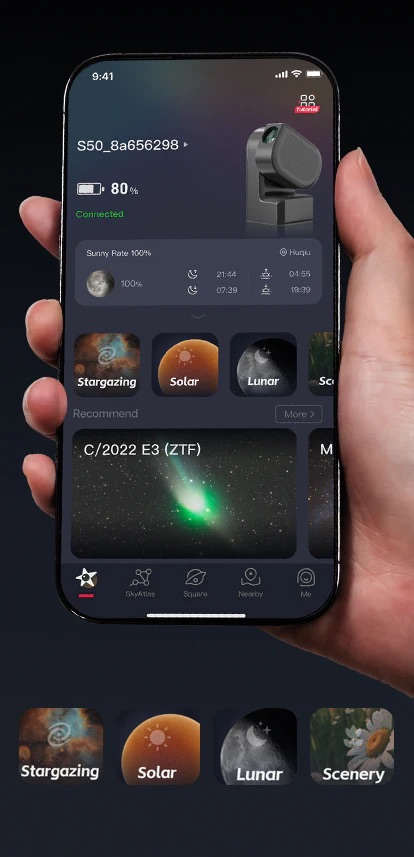
ZWO S50 Smart Telescope
Seestar S50 integrates a f/5 250mm telescope, electric focuser, Sony IMX462 CMOS sensor, dew heater, ASIAIR intelligent controller,
altazimuth mount and filter wheel (UV/IR cut, duo-band, dark) into a single unit, with a body weight of only 2,5 kg.
With the use of a mobile app, it allows for easy capturing of sky objects such as the Sun, Moon, galaxies and
nebulae. You don't learn how magic happens, but with low effort you get the first quick&dirty results from DeepSky objects.
Skywatcher Star Adventurer GTi
Although Star Adventurer GTi is often called star tracker you cannot use it in AZ/ALT mode because it is an
equatorial mount.
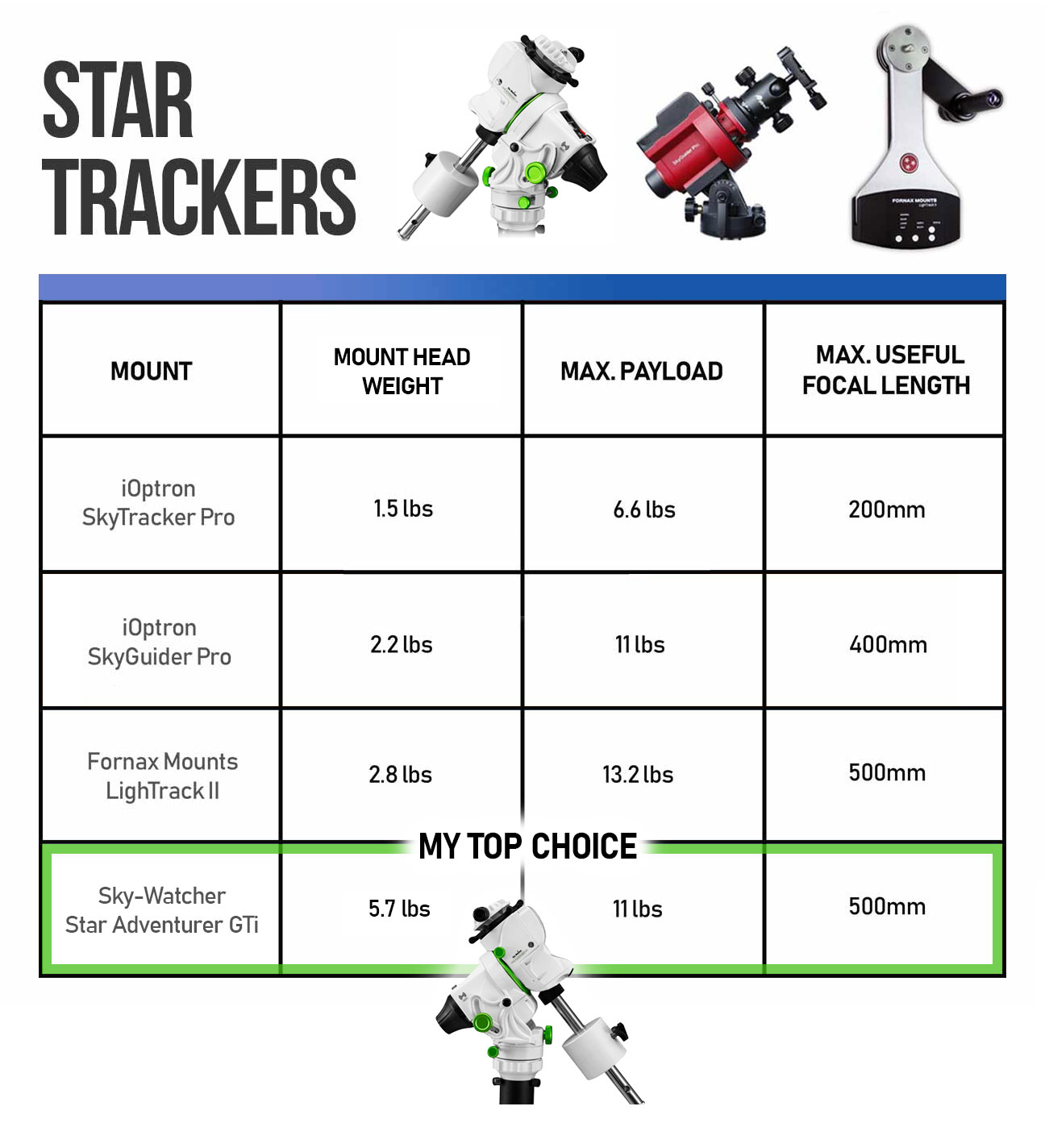
Technical data of the different mounts can be found on the internet.
|
|
Field Rotation
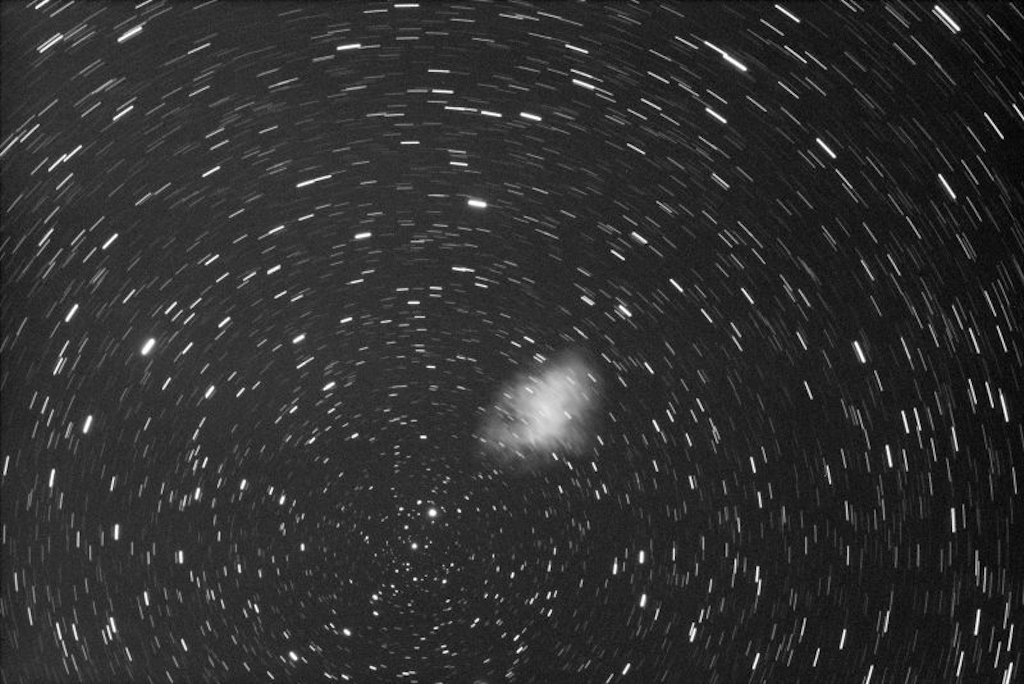
Astrophotography with these mounts leads to field rotation with the disturbing effect that, during long exposures,
the image field rotates around its center and the stars at the corners are no longer depicted exactly as points.
Field rotation is caused by the compensation of the earth's rotation around a
vertical axis instead of around the celestial axis (parallel to the earth's axis). To avoid or minimize field
rotation you can
use short focal lenses where you can crop the field or
use short single and total imaging time (lucky imaging) or
use a third rotation with a special camera rotator (only with OAG)
|
|
The Difference between Tracking and Guiding
Tracking, is referring to the movement of the telescope's axis, usually in sidereal rate. This means that the
polar axis of the equatorial telescope mount has been accurately polar aligned with the north (or south)
celestial pole, and it is now tracking the apparent movement of the night sky.
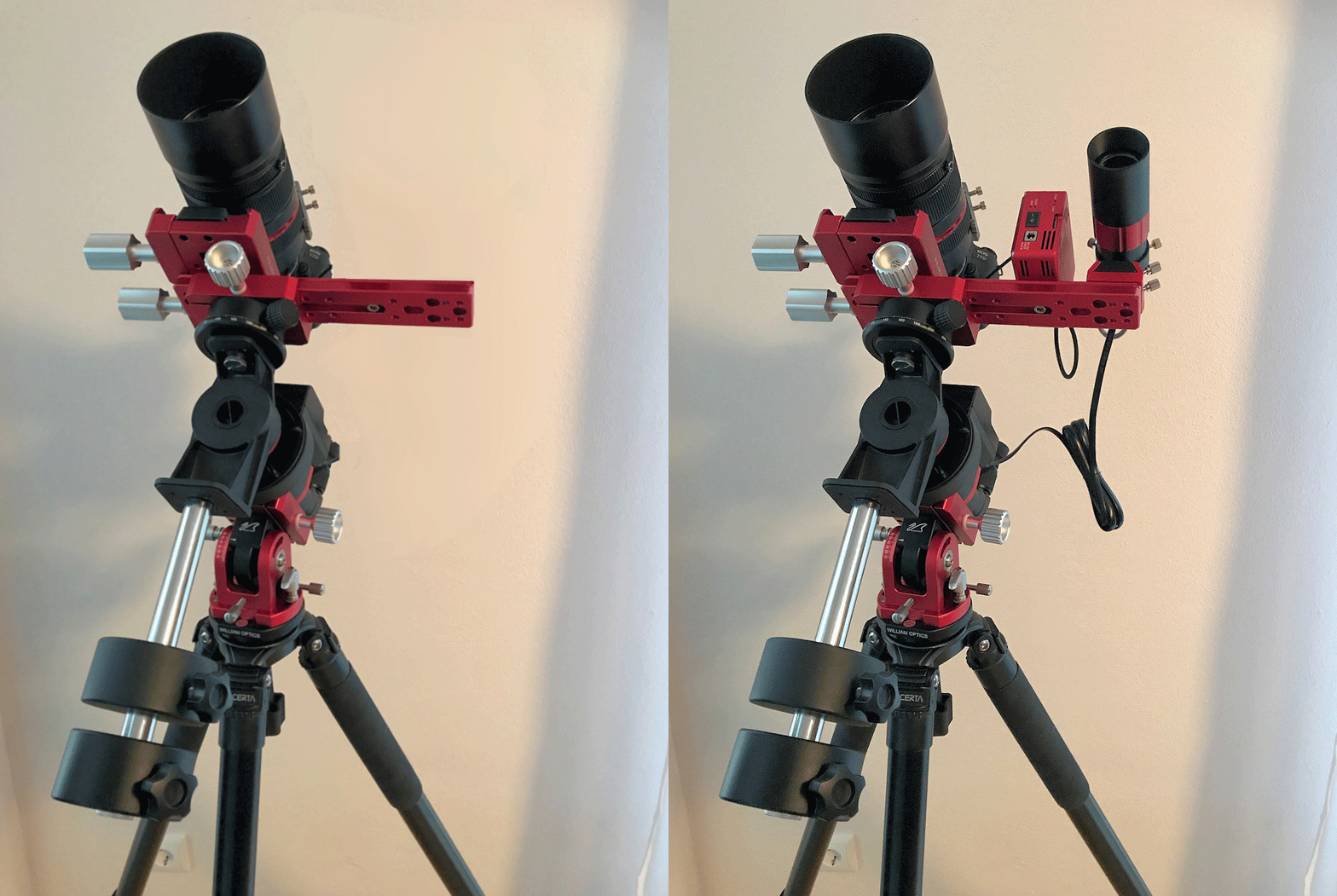
Guiding, is referring to a technique called autoguiding, where a secondary guide camera is used to communicate
small adjustments (pulses) to the mount for improved tracking accuracy. A computer software application is
used to handle autoguiding, which involves using a guide star as a reference point. But this will not prevent
field rotation.
|
|
Imaging Train
Of course you can use light refraktors instead of lenses and any other astrocamera, cooled or non cooled on star trackers.
CCD and CMOS cameras with cooled sensor are particularly low-noise, thus they are very well suited for
long time exposures and deep-sky photography. A built-in Peltier cooling brings the sensor to low temperatures.
The signal-to-noise ratio is dramatically improved.
In addition to imaging cameras you need a video camera for autoguiding which is mounted off-axis or on a
separate guidescope.
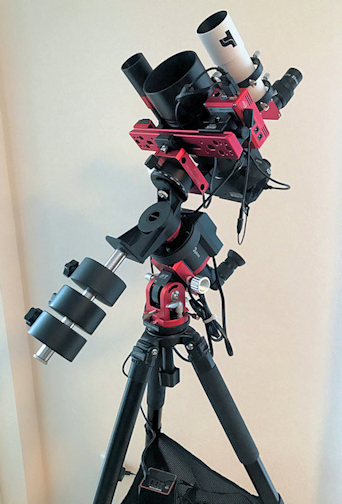
The maximum load capacity of star trackers for astrophotography is between 2.5kg on Vixen Polarie and
up to 5kg on Star Adventurer. To avoid problems with tracking or guiding the total weight of your imaging
train on the tracker should not overload this range.
|
|
Autoguiding Equipment
Guiding Camera
The ASI120MM mini as effective autoguider. With this camera autoguiding is made easy. With only 60 grams of weight
the camera puts no significant stress onto the focuser, not more than a 1.25" eyepiece.
Off Axis Guiding vs. Guidescope
There are two main guiding methods most people will choose from, and those are the guide scope, and the
off-axis guider. Both have their own unique advantages and disadvantages, but first let's explain what they
are to begin with.
The guide scope is just what it sounds like, it is a separate telescope with its own camera dedicated to the
role of guiding. This second telescope will typically sit on top of your scope, or on a bracket mounted to your scope.
The off-axis guider is a device which sits in your imaging train, between your focuser and your camera
(and before your filter wheel if you have one). This device houses a small prism that will sit at the edge
of your image circle. This prism will pick off a small amount of your imaging circle and shoot the light
outwards to your guide camera. This means that your main imaging scope effectively becomes the guide scope,
since you are imaging with the same light you are guiding with.
I prefer using a guidescope because it is much easier to focus the camera and to find a good guidestar with the larger FoV of the scope compared
with the small prism of the OAG. Important is the absolute stable fixing of the guiding set.
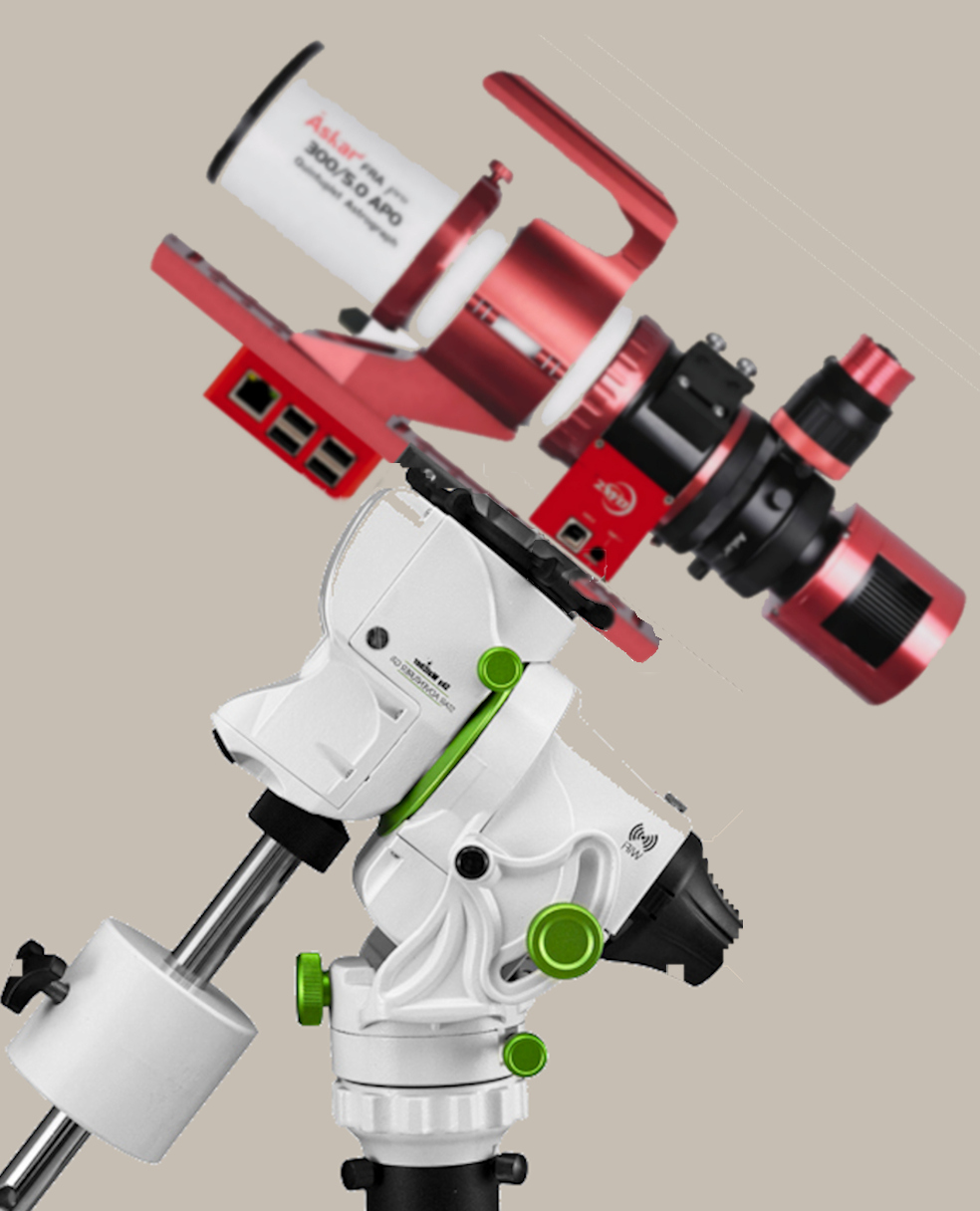
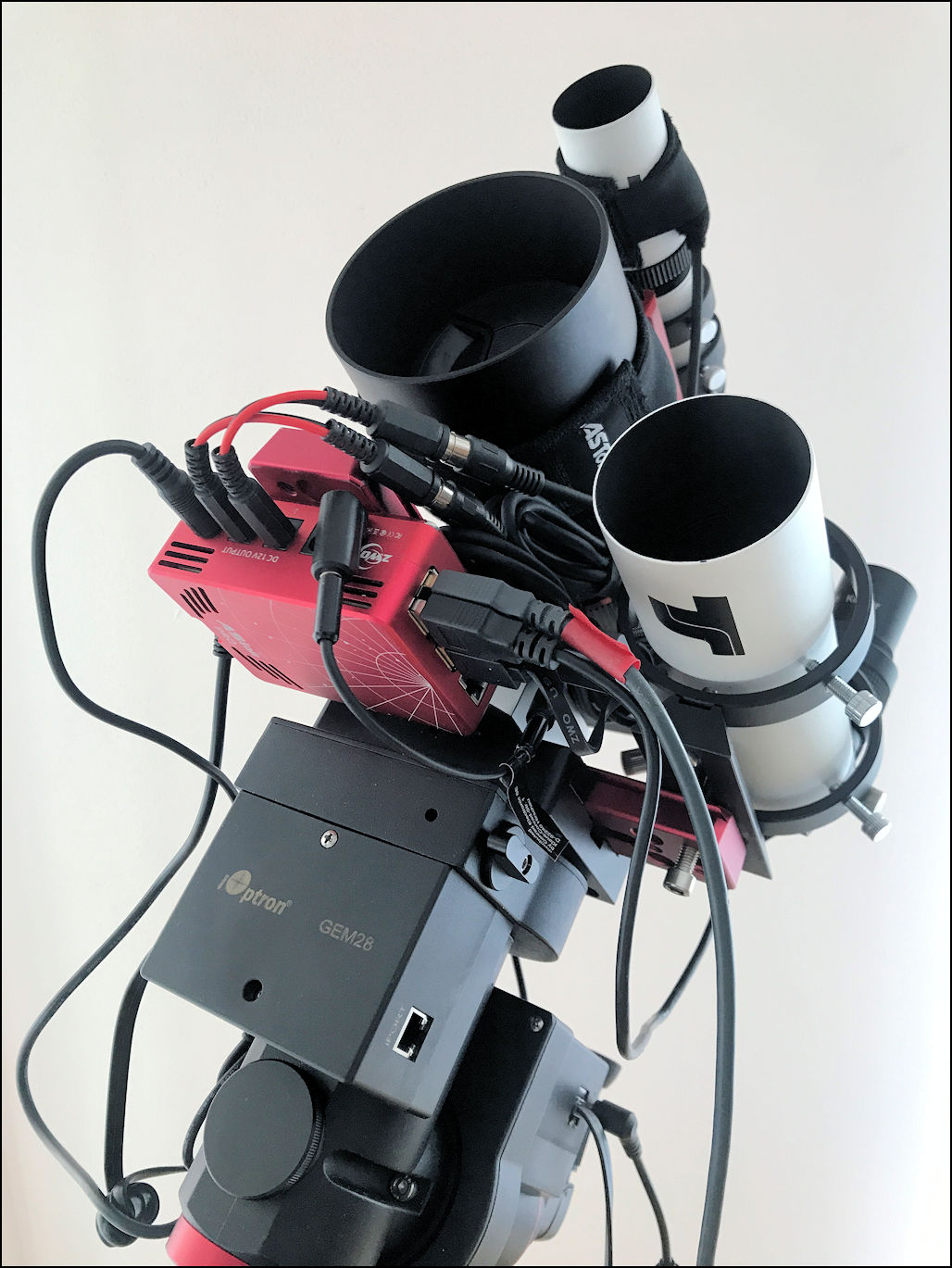
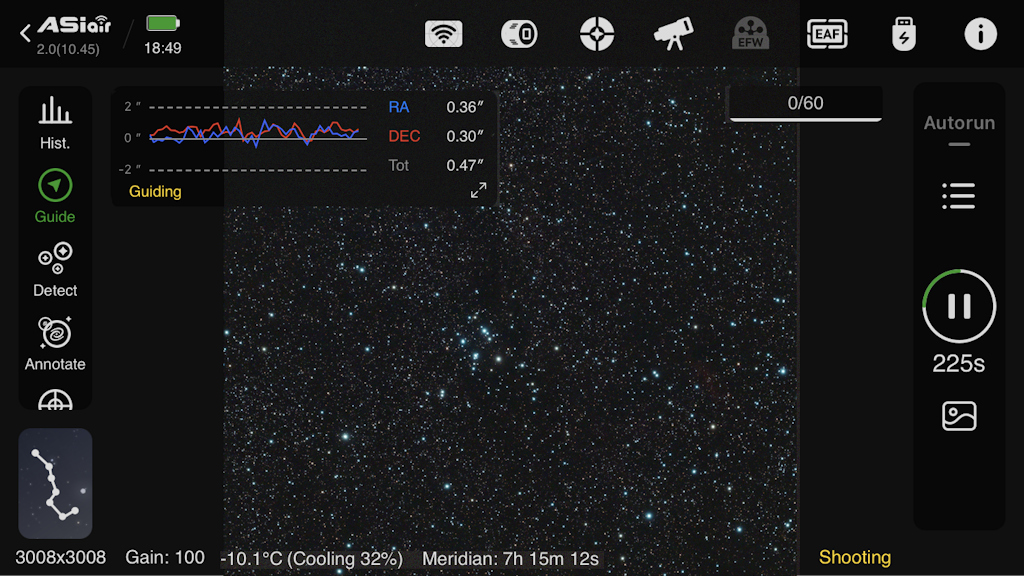
Setup Management with ZWO Asiair Plus
ASIAIR PLUS is an intelligent WiFi controller for all astrophotography applications. It replaces a laptop or
even an expensive stand-alone autoguider. Also the cable tangle at the telescope is a thing of the past.
You only need your smartphone or a tablet, which you connect to the ASIAIR-WiFi. The areas of application
are manifold:
- Control of all ZWO ASI USB 3.0 cameras
- Control of selected mounts
- Control of selected DSLR and system cameras
- Autofocusing with the ZWO EAF motorized focuser
- Debayer function for ZWO color cameras
- Image preview
- Polar alignment routine
- Planetary and lunar video capture
- Live Stacking
The only power supply you need for the whole setup is 12V to Asiair. The complete cable and power management for USB and 12V equipment is handled by Asiair.
|
|
|
|